Good music is a big part of our daily lives, from our daily commute to a workout playlist, there are plenty of occasions where you want to listen to music, but don’t have access to WiFi.
If you’re looking for the perfect music app to use on the go, our team has compiled this ultimate list of 20+ music apps that don’t need WiFi to work, allowing you to jam your favorite tunes from anywhere you like!
20+ Music Apps That Don’t Need WiFi to Work
1. SoundCloud
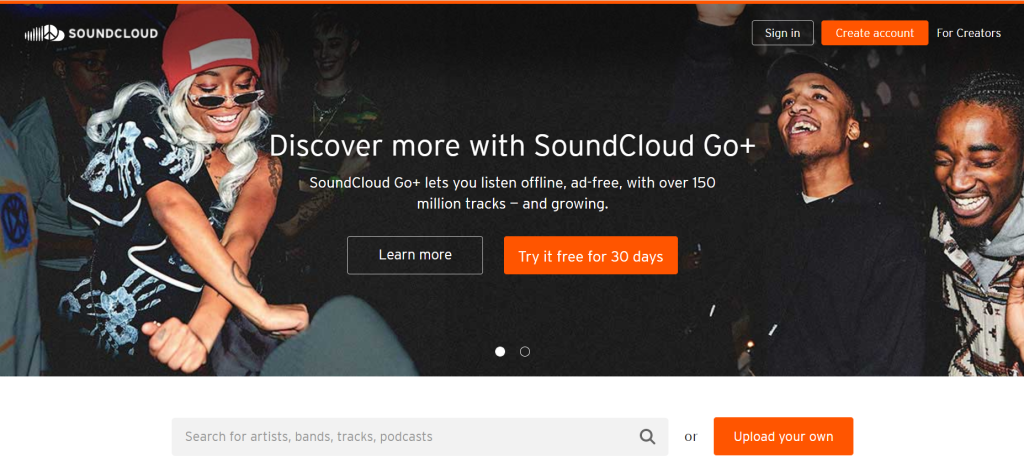
First and foremost on our list is SoundCloud, the go-to music choice for musicians and music enthusiasts alike.
With the free version, you can only download a certain number of offline music tracks. If you want the full version, it’s $4.99 per month for ad-free listening that lets you save unlimited tracks for your convenience offline.
Keep in mind that you only have access to some of the music available on SoundCloud with this subscription plan.
The SoundCloud Go+ is $9.99 and gives you complete access to the platform’s library of music tracks. That’s access to over 300 million tracks from over 30 million artists in over 190 countries.
Unlike a lot of other audio media formats, SoundCloud lets anyone and everyone share audio content to find new artists. It’s both an educational tool and an outlet for prospective music creators.
Like other audio platforms, it offers the chance to have curated mixes and playlists that are catered for your interests.
If you’re an audio content creator, SoundCloud also has opportunities to connect and upload your own tracks so you can connect with the global music community.
2. Spotify
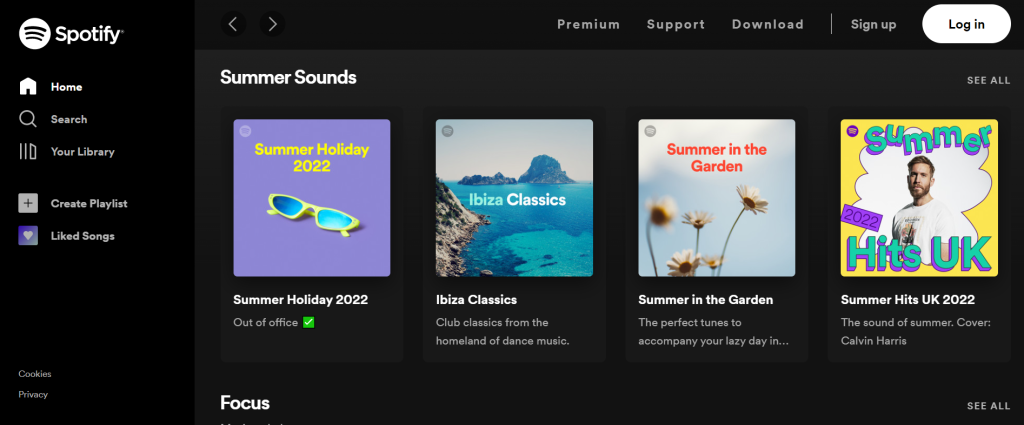
One of the biggest brands in music, Spotify boasts some of the most popular music around.
It supports several different types of media, too, including podcasts and digital comics, as well as music, of course.
Keep in mind that you can’t use Spotify offline with a free playlist, although you still get some nice perks. You can pick up to 15 playlists with an available selection of 750 songs, ads included.
Offline listening is a feature reserved for the Spotify premium account, letting you build a personalized selection of music that’s catered to your interests and available anytime, anywhere.
You can even get Spotify for your Apple Watch, which lets you select your favorite music and audio media straight from your device.
They also offer catered playlists, recommendations, and real-time conversations with creators and artists. Spotify is $10 a month per individual, or $13 for a duo, which is two devices that are under one roof.
Students can get a discounted subscription for a steal—just $5 a month, and it even comes with an additional ad-based Hulu membership.
3. Pandora
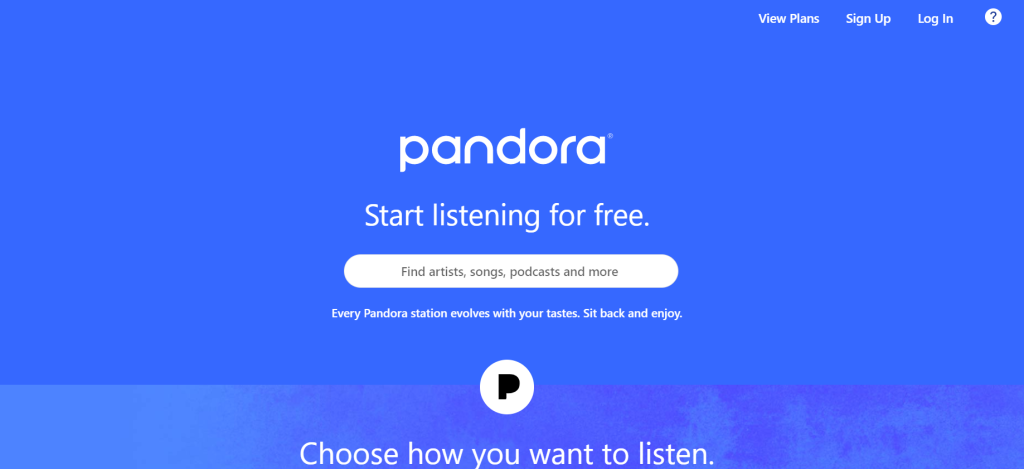
Another giant in the music industry, Pandora has millions of tracks for subscribers to listen to. Better yet, Pandora has the option to listen to music offline using music stations.
To do this, follow these steps:
- Create and listen to a station several times
- Use the slider on the top left to toggle Offline Mode on
- Let your device sync, preferably over WiFi
And just like that, you’re all set to listen to Pandora’s wide selection of music offline.
The free version of Pandora doesn’t let you listen offline, unfortunately, but the Pandora Plus plan, which goes for $4.99 a month, lets you listen offline.
The premium plan goes for $9.99 a month and lets you make and share playlists as well. With any of these plans, you can enjoy personalized stations, your favorite podcasts, and unlimited skips.
Keep in mind that the app is only available in America.
4. Amazon Music Unlimited
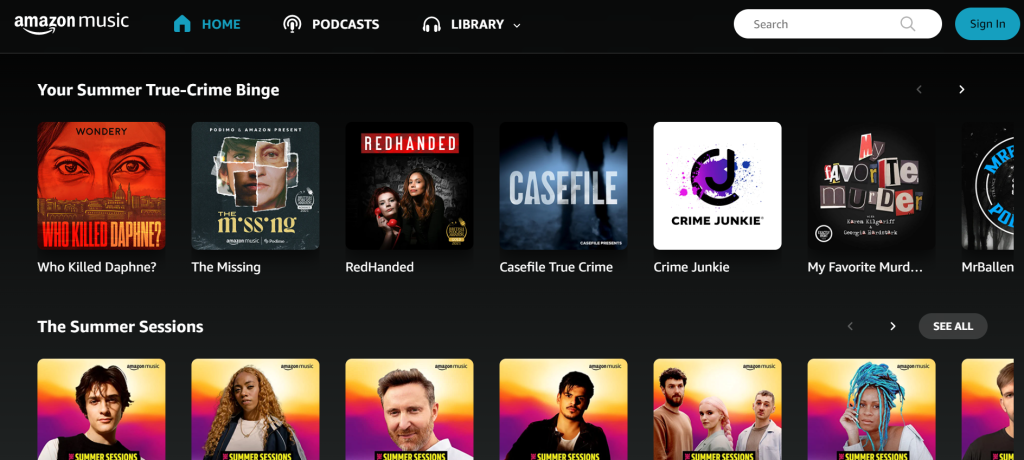
One of the major players in the shipping industry, Amazon has also built a pretty solid music platform called Amazon Music Unlimited.
It is an exclusively premium service, but you can try it out with a free 30-day trial. The premium version lets you download any music you want for listening to offline.
To download a playlist for offline listening, simply select songs to add to your playlist or the general My Music section, tap on your playlist, and tap the arrow pointing down.
It may take some time to finish downloading your songs, but once done, you can listen to that playlist anytime, anywhere. Just be sure to continue downloading any additional songs you add to the playlist for the best enjoyment.
If you’re a Prime member, you already have access to a limited selection of music through the app.
For access to the full selection of music with Amazon Unlimited, you’re looking at $8.99 a month for Prime members and $9.99 for non-Prime customers.
As with other platforms, you have the option to curate music based on your taste and listen to stations to discover new music. Amazon even curates a selection of 25 songs weekly for you called My Discovery Mix, based on your current interests.
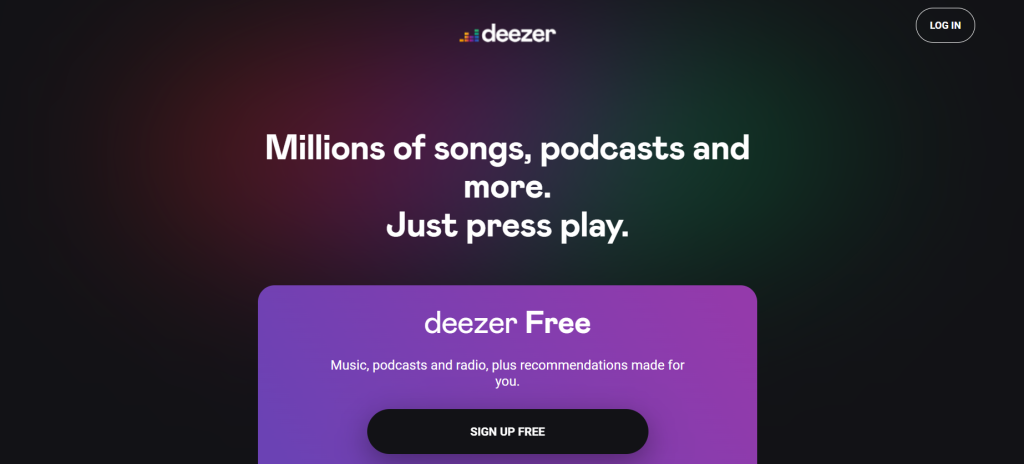
5. Deezer
Available in nearly every country, Deezer features over 50 million songs, which is an impressive compilation to enjoy.
You can, of course, listen to the music of your choice offline as well if you toggle the Offline Mode to On in the Settings tab of the app.
The free plan lets you listen to a limited selection of music with ads included. The premium plan comes with all-access to the millions of music tracks without ads.
Keep in mind, however, that you can’t use Offline Mode on the desktop version, but from the app, you can feel free to listen to any of your favorite songs offline.
6. Apple Music
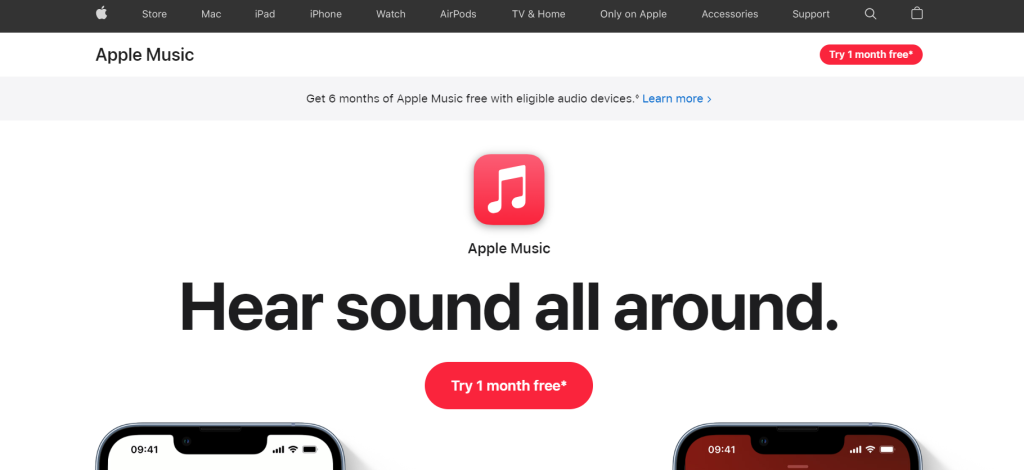
Another popular music streaming service, Apple Music has the capability to listen to unlimited music from the cloud, live music, and the option to download your music so that you can listen offline.
Boasting over 90 million songs and 30,000 playlists, Apple Music also offers curated playlists and live radio stations to help you discover new music that you love.
To download music offline, simply move your favorite songs onto a playlist, and tap on the dropdown menu icon to download the music to your device.
Apple Music doesn’t offer a free service, although you can get a 30-day free trial. For individuals, Apple Music costs $9.99. For families, the service costs $14.99 a month. Students get a great deal with the monthly price of $4.99 a month.
Another popular feature of Apple Music is how well it pairs with Siri, Apple’s smart virtual assistant, that can play music on command. You can tell her to play a specific song or something from a certain genre if you’re feeling in a certain mood.
7. Napster
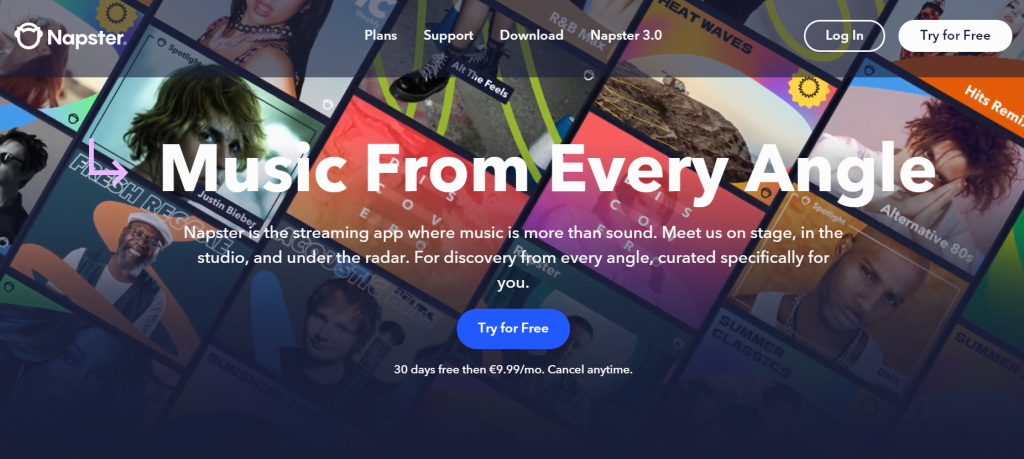
Napster is a premium app that lets you listen to music without WiFi by downloading songs.
With a library of over 40 million songs, Napster is well accredited for its user-friendly interface, advanced search feature, and on-demand music options.
All you need to do to listen offline with Napster is go to the settings page and turn on the Offline Mode. This will automatically download songs that you put in your music selection so that you can listen to them whenever and wherever you want.
Unlike Deezer, Napster lets you use Offline Mode even on the desktop version.
Their plans include the Premium Plan and the Family Plan. The Premium Plan costs $9.99 per month, while the Family Plan costs $14.99 per month.
The only difference between the two is that the family plan lets you have up to 6 accounts for the app, while the premium only has 1.
8. LiveOne
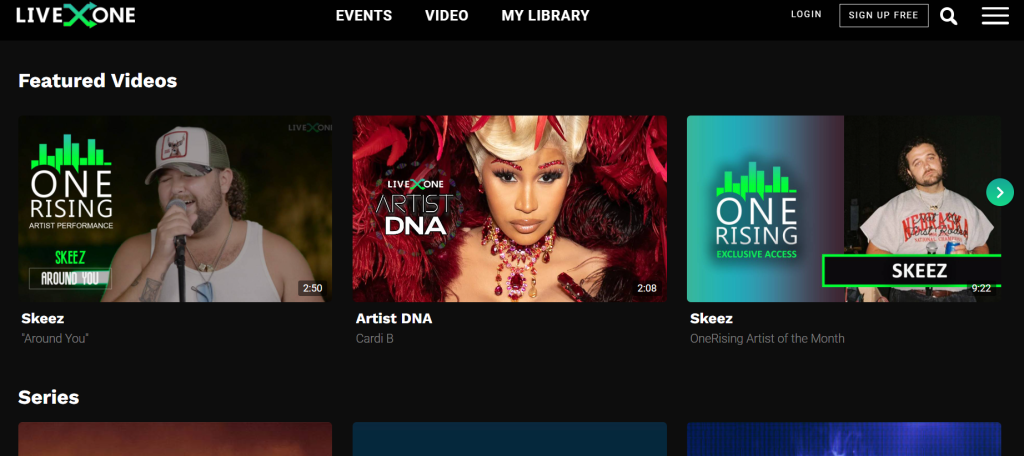
LiveOne is a music streaming service formally known as LiveXLive.
The app features original soundtracks, podcasts, and documentaries, allowing you to create your own radio stations, craft custom playlists, and choose music to listen to based on your preferred tastes.
LiveOne also lets you share music and stations you love with friends on social media.
The app comes free, available for both Android and iOS devices. The free version comes with ads and limited skips. But you can’t use the offline mode feature with the free version.
With a premium account, you can listen to ad-free music, enjoy unlimited skips, and listen to any music of your choice offline.
Once you’ve got the premium plan, follow these steps to listen offline:
- Favorite a playlist or music track you want to download
- Press Download
And just like that, you’re all set to listen to any music offline.
LiveOne’s Plus plan is $3.99 a month and lets you listen to a limited selection of music with limited skips. While the Premium plan, which costs $9.99 a month, gives you ad-free unlimited access and unlimited skips.
Keep in mind that only the Premium plan doesn’t require WiFi.
This app is perfect for people who want to listen to exclusive music and have the option to share it with their friends.
9. Shazam
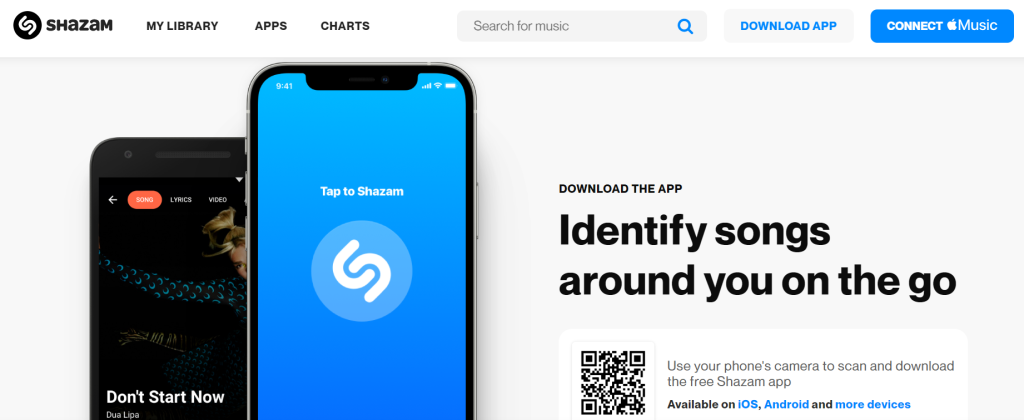
Another popular music app that works without WiFi is Shazam.
It’s an interesting concept for an app—just boot it up whenever there’s any music playing nearby, and Shazam will identify the song and let you play it.
Of course, you’re limited to whatever songs other people are playing, but Shazam is completely free.
If the song is considered premium, Shazam will redirect you to other streaming services where you can buy the song you’re searching for.
All you need to do to use the app is launch it and tap the Shazam button. Assuming there’s not too much audio disturbance, Shazam will pick up what song is playing and let you play it, regardless of whether you’re on WiFi or not.
This app is perfect for people who want to be able to listen to songs that are playing around them.
10. JioSaavn
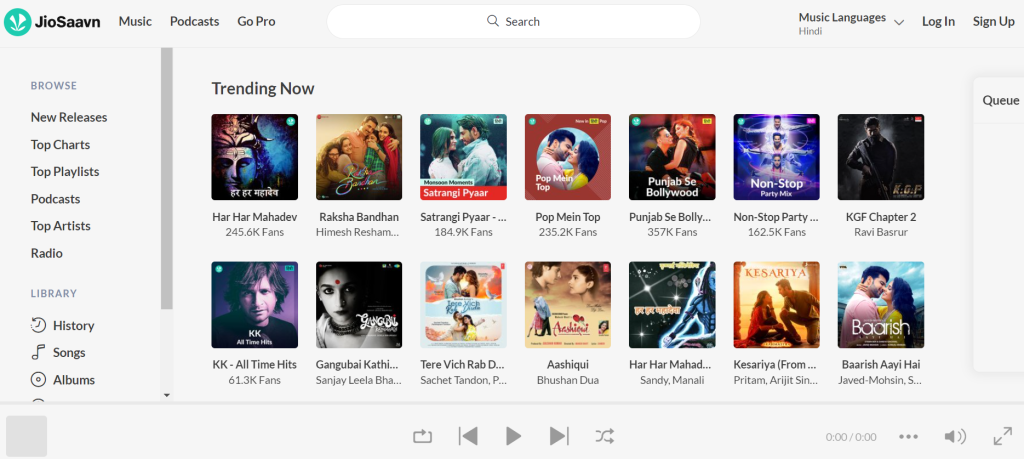
If Bollywood music is your jam, then JioSaavn is the app for you.
Featuring a wide selection of Bollywood artists and genres, JioSaavn lets you put together playlists of your favorite artists and songs.
For free, you can enjoy a wide selection of music with ads included and limited skips.
The premium version of this app, however, lets you download music offline for listening at any time. You also have exclusive access to JioSaavn-original content.
Once you have the JioSaavn Go subscription, all you have to do is tap the Download Music on a song you like, and you’re all set to enjoy Bollywood-style songs anywhere you like without needing to use WiFi.
The premium subscription costs $5, a perfect price for any Bollywood music enthusiast.
11. TIDAL
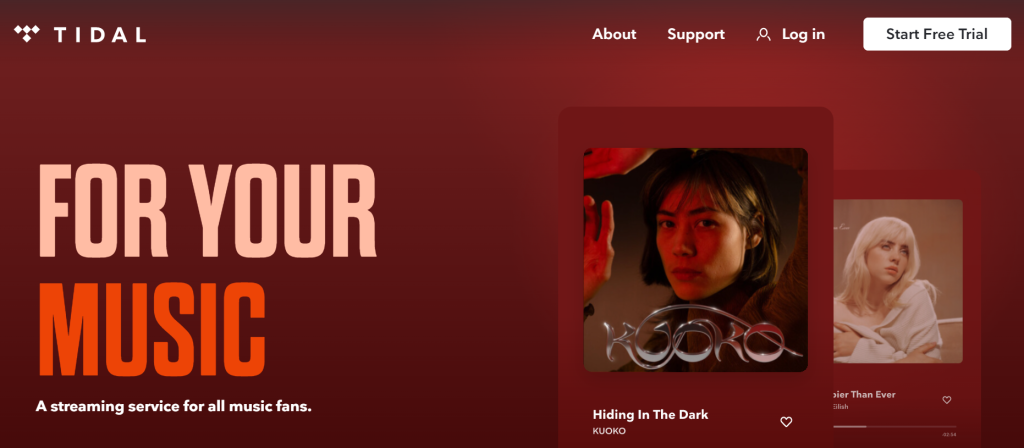
TIDAL is a great music streaming service that lets you listen to millions of music tracks, create playlists, and share your favorite songs with friends.
There are also some exclusive bits of content such as live concerts available on TIDAL.
All you have to do to listen to TIDAL music offline is to tap Download on your favorite songs. That way, you can listen to them anytime, anywhere. Of course, you’ll need an internet connection to watch live streams and live concerts.
The app also offers a free 30-day trial on its premium services. With the HiFi plan, you get a high-quality ad-free access to over 90 million songs and listen offline with unlimited skips. This costs $9.99 per month and you also get access to over 450,000 videos.
The HiFi Plus plan offers all of these benefits at a much higher kbps, and 10% of your subscription goes towards supporting your favorite artists.
All in all, TIDAL is a great option for fans of high-quality music or those with access to good sound equipment. You’ll definitely appreciate the quality product you get with a TIDAL subscription.
12. Musify
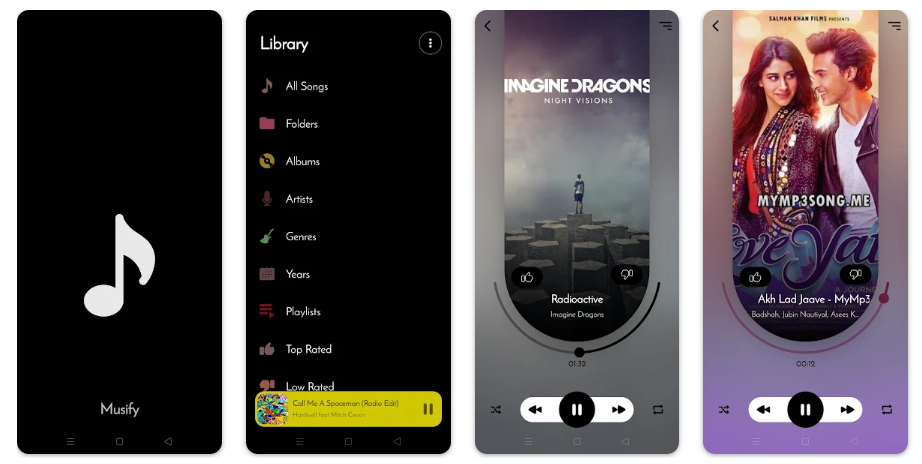
A free offline music app, Musify lets you listen to unlimited songs and boasts a wonderful music community of creators and listeners that lets you connect with other music lovers.
Based on your preferences, you can get recommendations and suggestions for other songs you might like.
The app allows you to download unlimited music, and you can listen to it before you download it. It’s as simple as hitting the download button.
This platform is designed to help artists connect with fans, sell merch, and promote their upcoming projects.
If you like supporting different artists and being part of the global music community, then this is the app for you.
13. Gaana
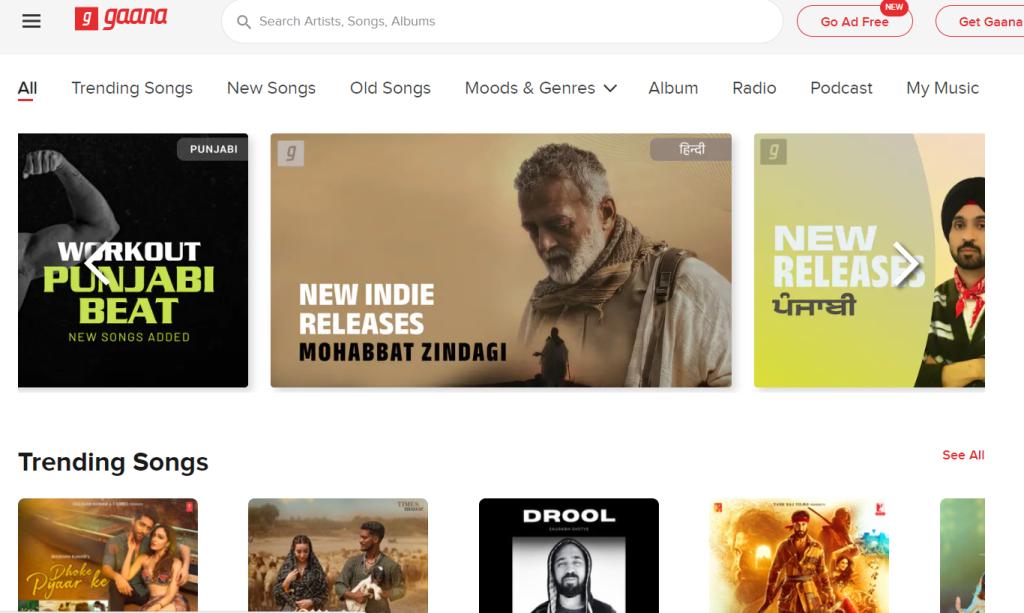
The premiere Bollywood music app, Gaana provides mostly Indian music, providing a great way to show your appreciation for Bollywood-style audio media.
Listen to the latest music, stories, podcasts, and other content with Gaana.
The free version comes with ads and doesn’t allow offline downloading, but with the premium version, you can get high-definition audio, ad-free service, and the capability to download anything and everything offline through the Gaana Plus subscription.
Once you’ve found your list of favorite songs, simply tap the Download button next to them, and you’re good to go to listen to your favorite Bollywood music.
The Plus subscription costs an absurdly low $3.99 per month and grants access to over 30 million songs. You also have the added ability to download unlimited songs and stream music in HD quality.
You can purchase the plans in 1-month, 6-month, or yearly increments. This app is perfect for lovers of all things Bollywood.
14. Wynk Music
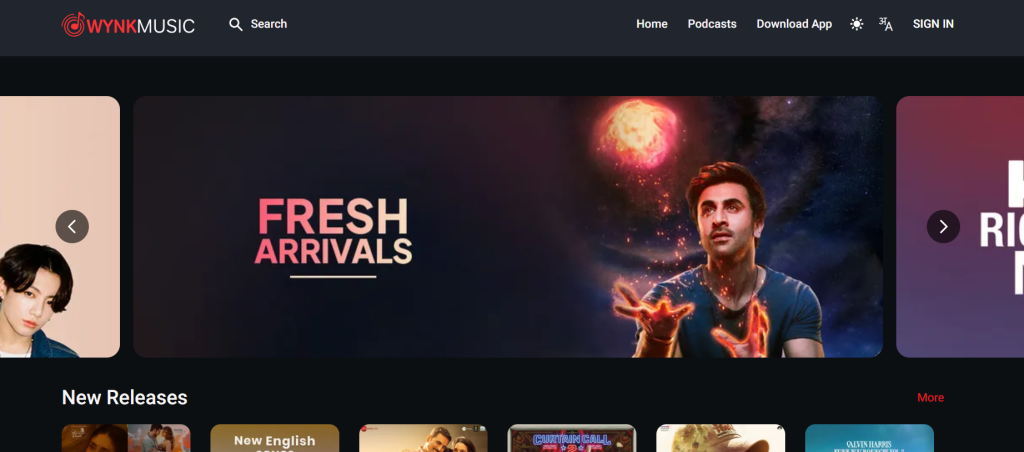
Wynk Music is another exclusive streaming app by Airetell that lets you download songs for listening to anytime.
Listen to the latest English and Hindi songs and explore the top picks of the week with the Wynk Top 100 or the Weekly Top 20.
The wide selection of Indie music, upcoming artists, and fresh new podcasts makes this app perfect for people wanting to enjoy both the hits and the hidden gems of music.
Best of all, you can download your favorites in MP3 format for listening at any time. With a premium account, you can have access to ad-free music, unlimited downloads, and exclusive premium content.
You can also get Wynk Music on your PC or laptop, offering availability to more than 6 million songs per month in any genre imaginable.
This app is perfect for anyone who appreciates music from a wide range of genres and is looking for fresh new music to listen to.
15. Musicolet Music Player
Another great app that lets you listen to your favorite music anytime, anyplace is Musicolet.
It’s not a true streaming service in the traditional sense, but it does provide a way for you to gather and listen to all of your currently downloaded music from other sources.
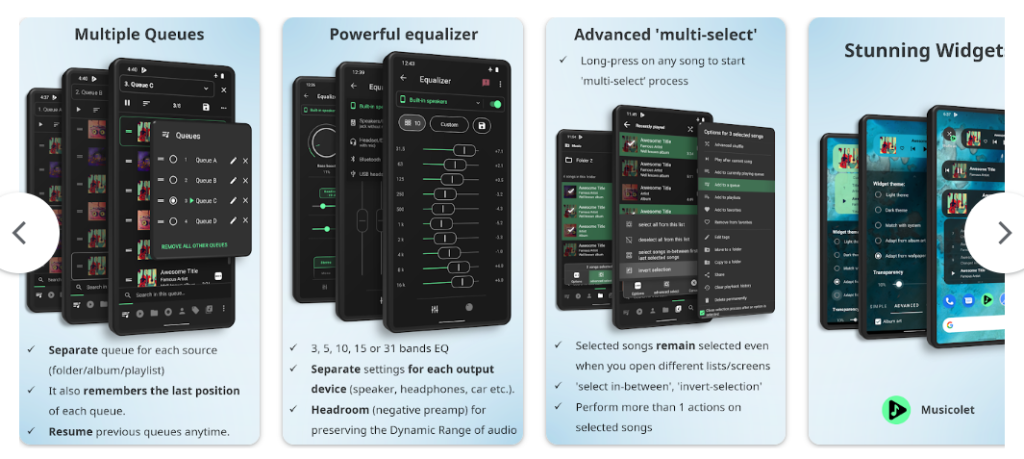
Forget the hassle of having to go between your various streaming services to get the most out of your music. Instead, use the Musicolet app which serves as a go-between among your apps and lets you gather them all in one place to make playlists from them.
Not only can it manage and support multiple queues of music, but it also has a great equalizer and plays your music in high quality with the audio player. It’s 100% free, has no ads, and is dead simple to use.
It also lets you play any of your downloaded music without WiFi. The only downside to this app that plays home to all your music is that it’s only available on Android devices.
Musicolet is perfect for anyone with several streaming services to put all their music together in a comprehensive playlist.
16. YouTube Music
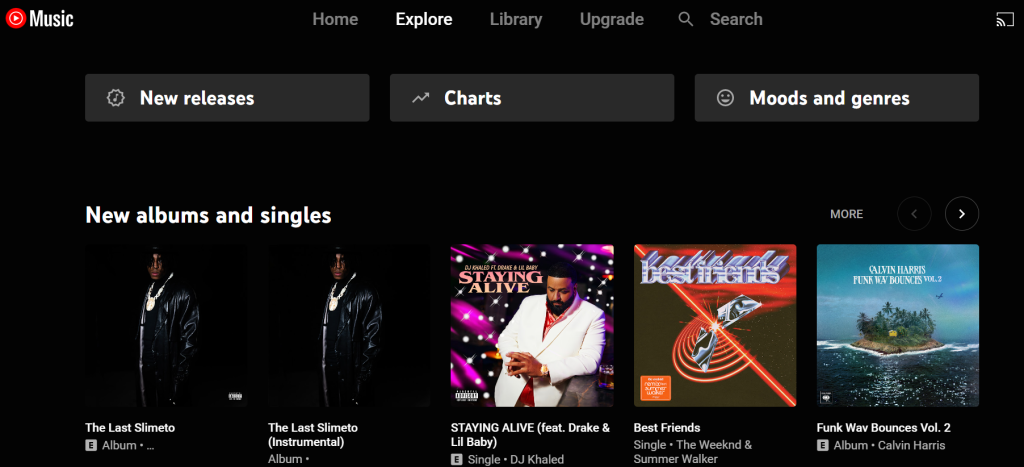
Developed by Google, YouTube Music is a streaming service that provides plentiful streaming options and can also provide different recommendations and playlists based on your preferences.
The premium service enables ad-free on-demand playback and the capability to download songs so that you can listen to them offline. On the free version, you can use offline mode with YouTube Go.
In 2020, this service surpassed Google Play Music in popularity, proving just how popular it is. It also boasts a user-friendly mobile app, desktop version, and better recommendation features based on several factors.
It’s also pretty good at finding music by lyric and title. Priced at $9.99 per month, YouTube Music is competitive with other music giants like Apple Music and Spotify.
Additionally, anyone with a YouTube Premium account ($11.99) or a Google Play Music All Access subscription will have access to YouTube Music.
For non-subscribers, you can still listen to some music with ad-supported playback through your desktop, the app, or a Google smart device.
Available in over 100 countries, YouTube Music is great for anyone looking to stay on the cutting edge of musical interests.
17. Trebel
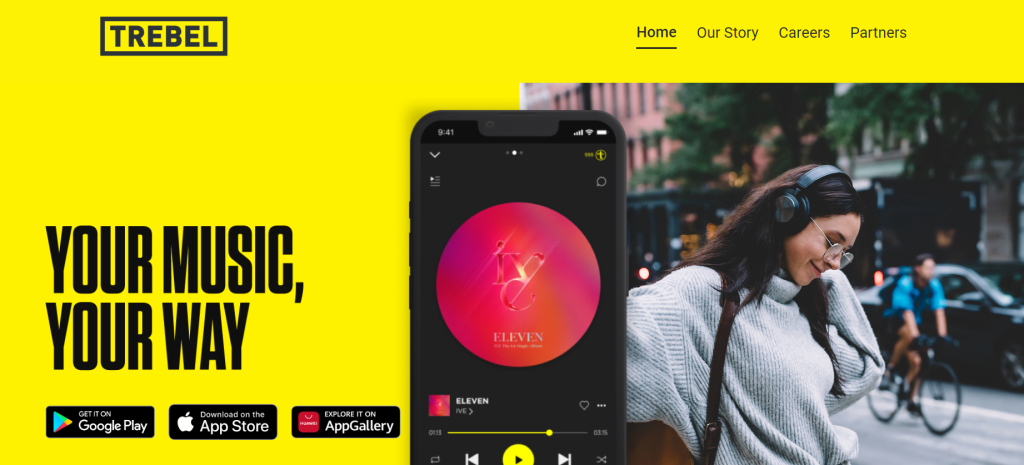
Offering a premium music quality service for free, Trebel is a standout among the music apps that don’t require WiFi.
The core concept behind the development of this app is that everyone should have unlimited access to music, which is why the app is entirely ad-supported.
Pick a popular artist, and you’ll probably be able to listen to their hit songs on Trebel for free.
All of the music is downloadable for free, thanks to a combination of digital advertising and social payout technologies, providing fair and legal compensation to the artist—a feat many other streaming services can’t lay claim to.
Launched at the end of 2018, Trebel is the world’s first licensed music service.
Touted as “the next big thing” in the music streaming industry, Trebel is making waves and is a great choice for anyone wanting free premium streaming and on-demand music. The only downside is the ads.
18. Bandcamp
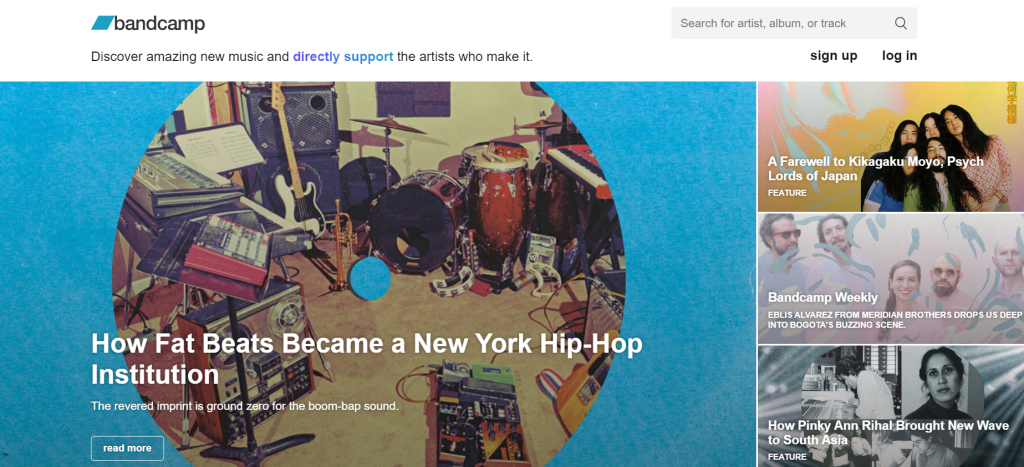
An ingenious take on the music streaming industry, Bandcamp has the philosophy of supporting artists directly by buying their songs.
As such, the app is completely free to use, and you can download any song you purchase to your device to listen to without WiFi.
If you already know what genre of music you like, what artists you want to support, and what type of songs you’d want on a playlist, then Bandcamp is the perfect app for you.
The app doesn’t just provide music. Premium podcasts and documentaries are also available for purchase, and you can rest assured that each purchase of your favorite audio content is going back into the community to support those artists.
You can even buy tickets for concerts and other merch from the artists’ pages. This app is perfect for people who already know what they like and want to only pay for the songs they love, knowing that their contribution goes directly to the artist.
19. Evermusic
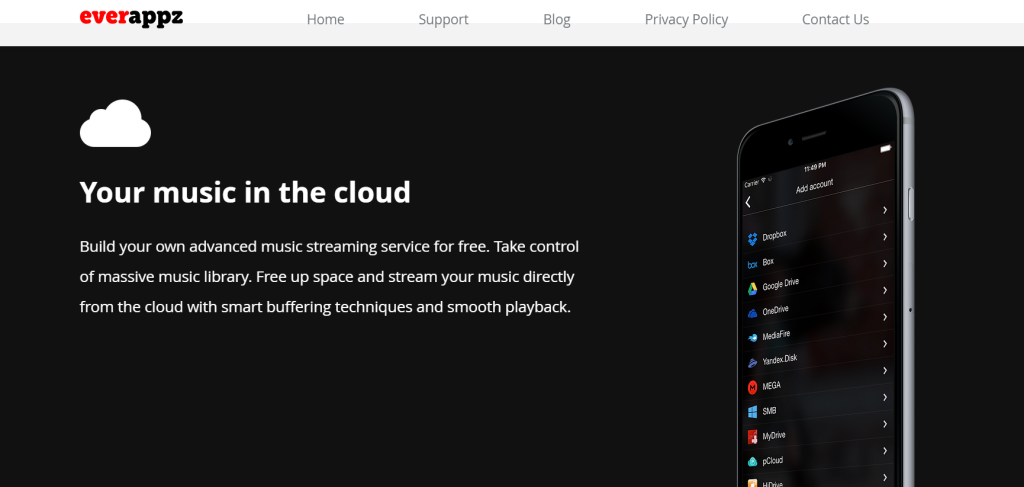
The Evermusic app is a great way to get all of your audio downloaded into one place.
Don’t worry about having to connect to the internet—this app runs entirely offline.
Whether you’re putting together a collection of songs, podcasts, or audiobooks, Evermusic is a great way to put all of the music from various streaming apps into one location.
Just connect the app with your other streaming services, and as long as you’ve streamed the songs you want before, you can download them onto Evermusic pretty quickly.
The app also has a search feature so that you can find any songs that you’ve downloaded. The only downside to this app is that it’s only available on iPhone devices.
20. Audiomack
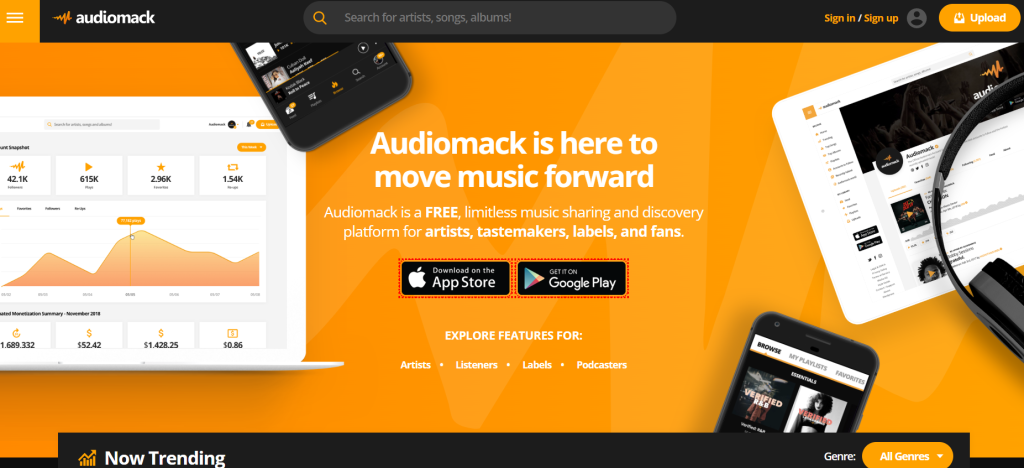
Audiomack is a great service for music of all genres and promotes itself as a free, limitless music platform for artists and fans alike.
You can peruse through their wide selection of top albums and see curated playlists that have been verified and approved by Audiomack staff.
That means that if you really want the cutting edge of different music genres, the playlists curated by Audiomack are going to be the best of the best in that genre. Discover new and trending music through the mobile app or website.
As long as you stream your favorite music, you’re able to download it. Offline playback is free for all users, and if you’re a content creator, you can upload your music to Audiomack.
Custom audio fingerprinting, DMCA takedown requests, and manual curating ensure that you’re listening to the authentic music and that anything you upload to Audiomack stays yours.
Audiomack is a great choice for anyone looking to create music to monetize and share with an audience or fans of music who appreciate both popular trending music and upcoming artists.
Closing Thoughts
Whether you’re looking to conserve your mobile data – or simply don’t have access to a reliable WiFi connection – we’re sure this all-encompassing list of reputable music apps that don’t need WiFi has helped you out!
If you enjoyed this article, why not check out our list of Spotify stats websites next?